
Smart Resume Play
Leave a video, come back another day, and pick up where you left off. There is nothing to turn on and nothing to keep track of.
How it works
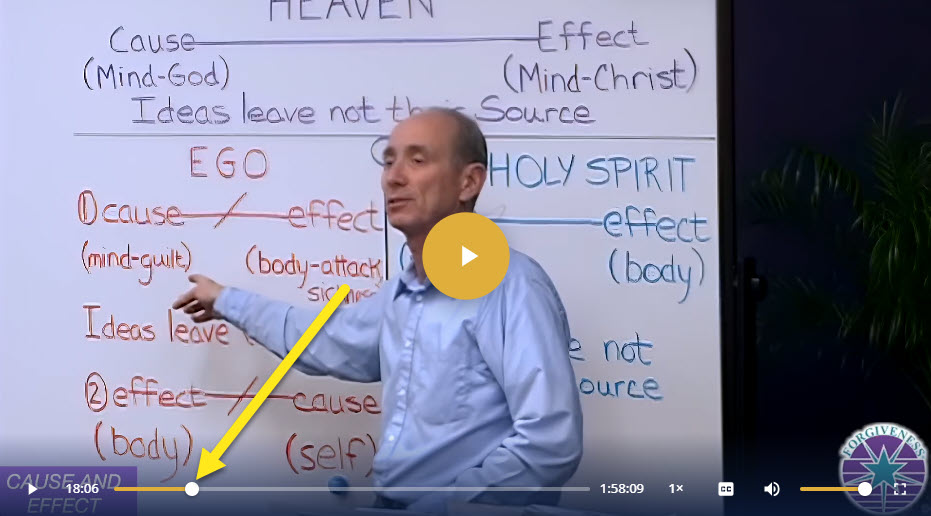
- Watch a video. Your place is saved automatically as you watch and when you pause. You can also just close the page.
- Come back later, sign in, and open the same video. It is ready to continue from where you stopped.
- Press play. The video begins 5 seconds before where you ended.
Please know: Your place is kept in the browser you are using. To work properly, use the same device (for example, your laptop) and the same web browser (for example, Google Chrome). On a different device or browser, the video starts at the beginning. A private window, or clearing your browser’s site data, also forgets your place.
To start from the beginning
Drag the time marker to the left along the progress bar, with your mouse or your finger. Each video keeps its own place. A video you watched to the end starts again from the beginning, and so does one you left in its first few seconds.
To learn more about the Video Player features, click here.